
Live Window is designed to help you manage customer orders efficiently during Facebook Live sessions — especially when comment flow is fast or when Facebook filters comments.
Before using Live Window, you need to configure the settings inside Boxify.
What Is Live Window Used For?
Live Window is commonly used when:
✔ You are running Facebook Live selling
✔ You need to manually add orders for customers
✔ Facebook comment filtering causes missed comments
✔ You are running bidding sessions
✔ You prefer manual order control instead of keywords
Live Window allows you to view and manage comments more clearly and add orders manually when needed.
Where to Find This Setting
To configure Live Window:
1️⃣ Log in to your Boxify system
2️⃣ Go to Setting
3️⃣ Click Parameters
4️⃣ Scroll down to Live Window
You can adjust your Live Window preferences from this section.
Control Sale Table Visibility
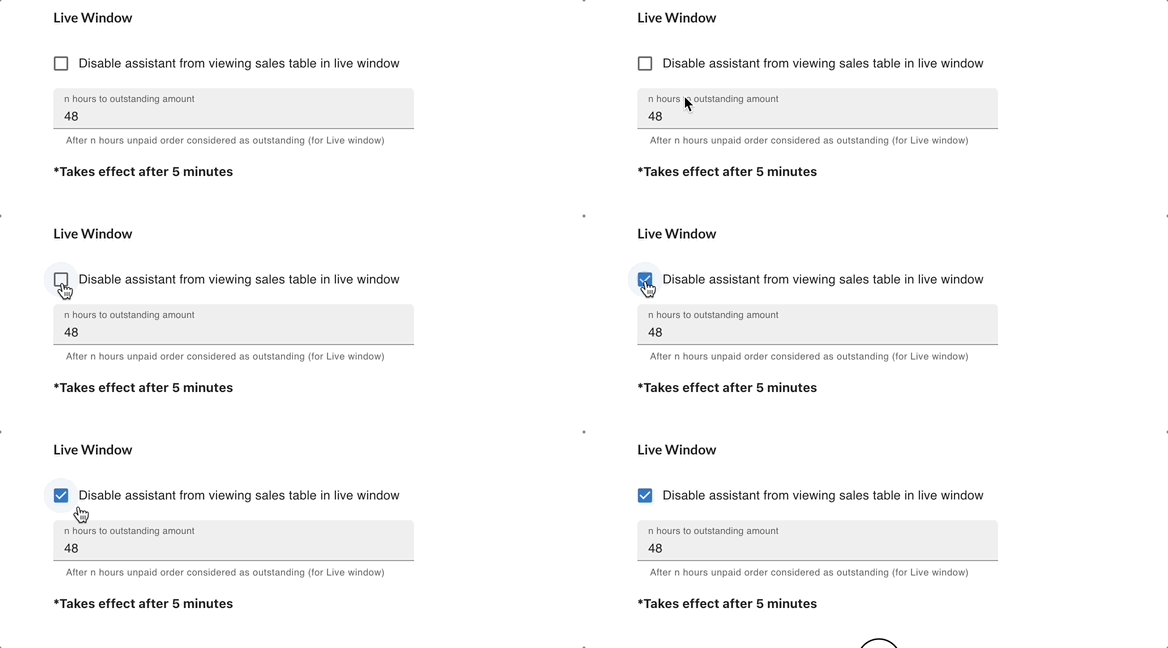
Admin can choose to hide the Sale Table from users with the Assistant role.
When this option is enabled:
✔ Assistants will not see the Sale Table
✔ Sensitive sales information remains restricted
✔ Admin maintains better control over data visibility
This is useful when you have support staff handling live sessions but do not want them to access full sales data.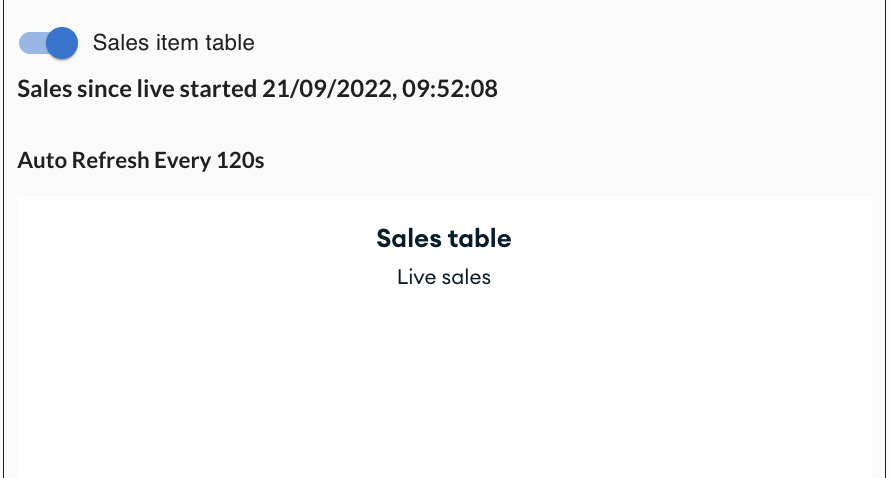
Control Outstanding Payment Display Duration
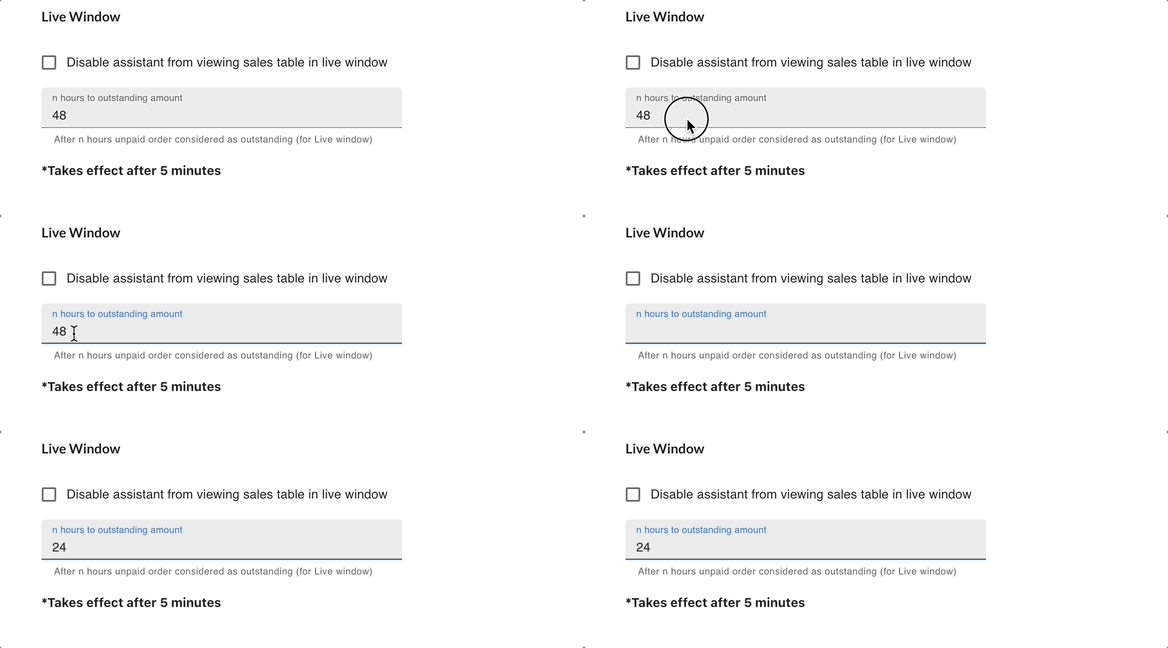
You can set how long a customer’s outstanding payment (unpaid orders) will be displayed in Live Window.
✔ Default setting: 48 hours
✔ Admin can adjust this duration
This allows you to manage how long unpaid order reminders remain visible during live selling.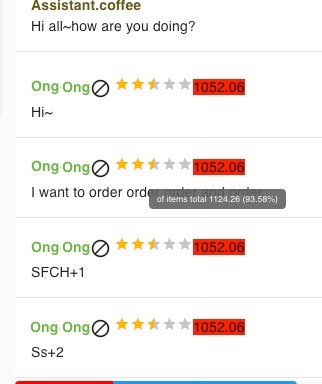
No outstanding (owe 0%)=Green
Didn’t pay half of the o/s amt (owe 50%)= Amber
Owe 100%=Red