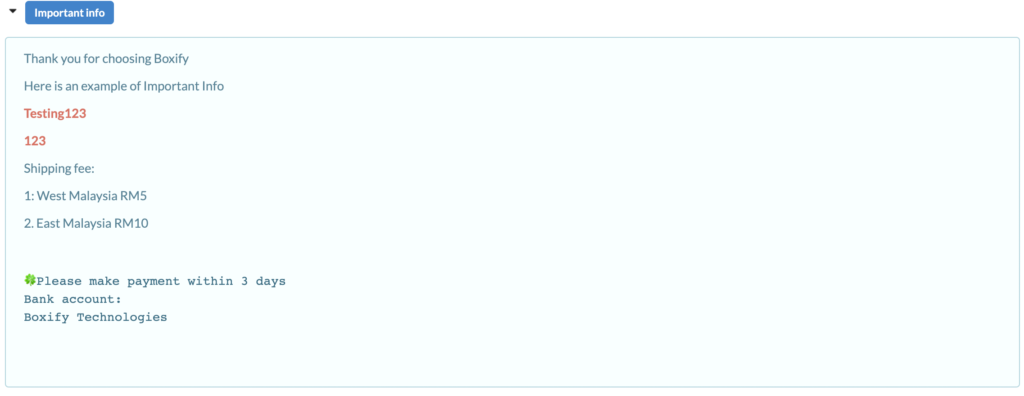
Before using Boxify for order collection and fulfilment, please ensure that the following basic settings are properly configured.
These settings affect how your store appears to customers and how important information is communicated.
Set up Important Information
Go to Profile > Settings > Important Information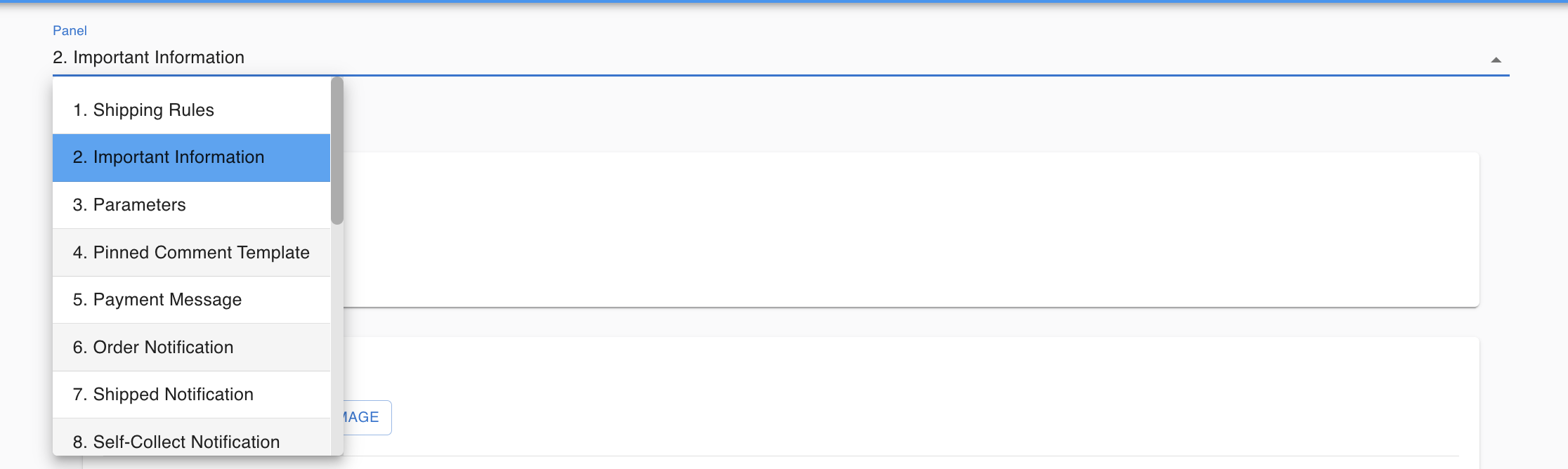
1️⃣ Account Setting
Under Account Setting, merchants can configure basic store information.
It is recommended to:
✔ Upload your merchant logo
Your logo may appear in your webstore or customer-facing pages.
Keeping your branding consistent improves professionalism and customer trust.
2️⃣ Message Template
Under Message Template, merchants can configure important messages sent to customers.
This section is commonly used to include:
- Bank account details (for offline payment)
- Shipping fee information
- Order or cancellation policy
- Short ordering guidelines
- Important store notices
Example content you may include:
- “Please select shipping before uploading receipt.”
- “Payment must be made within 24 hours.”
- “No cancellation after payment confirmed.”
Keep your message clear and concise to reduce customer confusion.
✔ Ensure store name is correct
✔ Confirm contact details are updated
🔔 Why This Is Important
Properly setting up your Account and Message Template ensures:
✔ Customers receive accurate payment instructions
✔ Shipping rules are clearly communicated
✔ Your brand looks consistent
✔ Fewer manual explanations are needed
Best Practice
Before going live:
- Upload your store logo
- Double-check bank account details
- Review your order policies
- Test the message flow to ensure clarity
Customer view of the important info from the shopping cart