
These settings control the automated messages sent to customers during ordering and fulfilment.
Enable or disable based on your communication preference.
1️⃣ Disable Shipping Notification Message
Stops the system from automatically sending shipping notification messages to customers.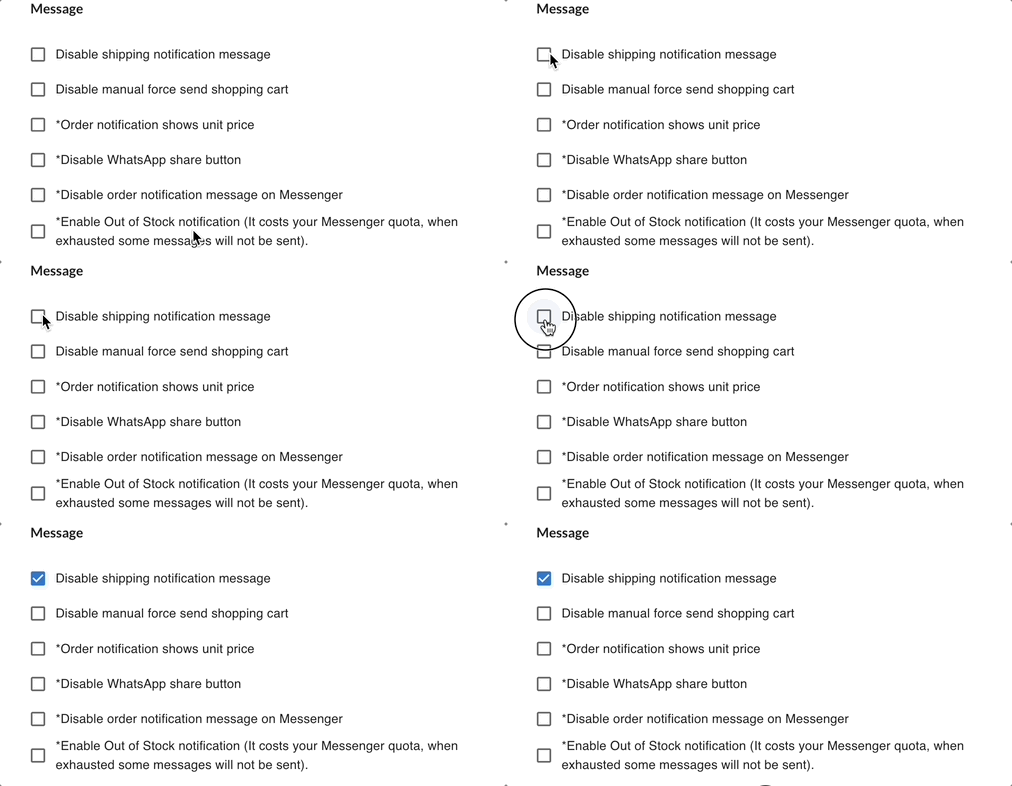
✔ Enable this if you prefer to notify customers manually.
❗ If disabled, customers will not receive automatic shipping updates.
💡 See also how to set Shipped Notification
2️⃣ Disable Manual Force Send Shopping Cart
Prevents merchants from manually forcing the shopping cart message to customers.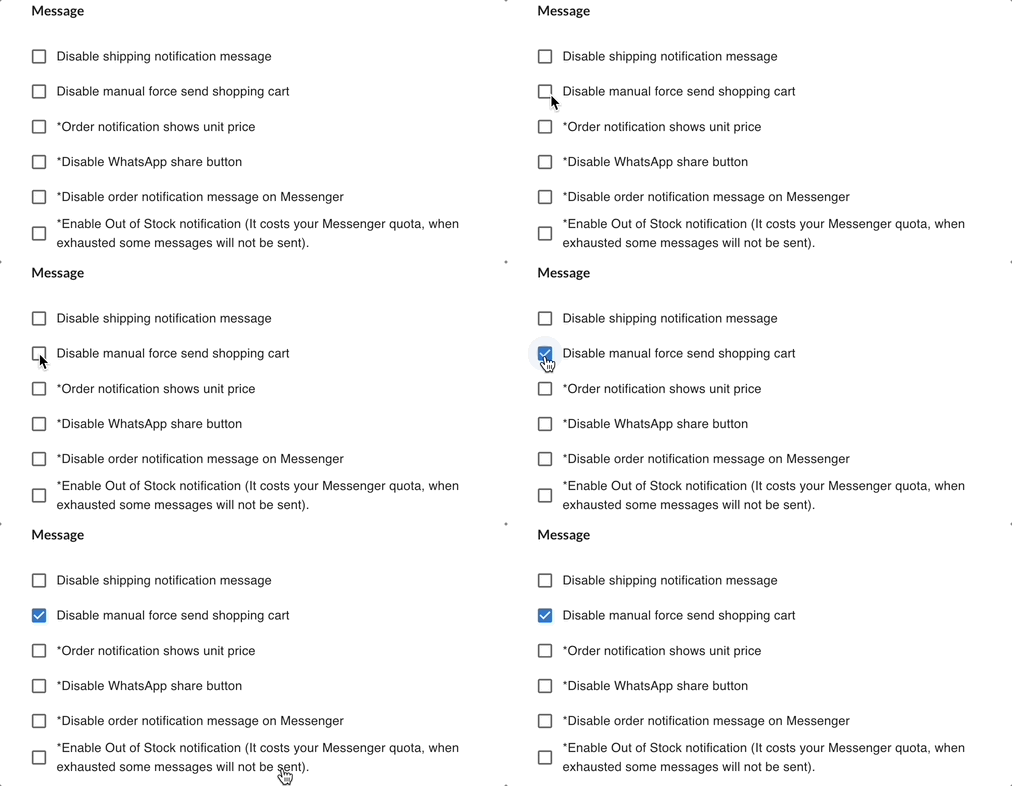
✔ Useful if you want stricter automation control.
❗ Once disabled, manual cart reminders cannot be sent.
3️⃣ Order Notification Shows Unit Price
Include unit price details in the order notification message.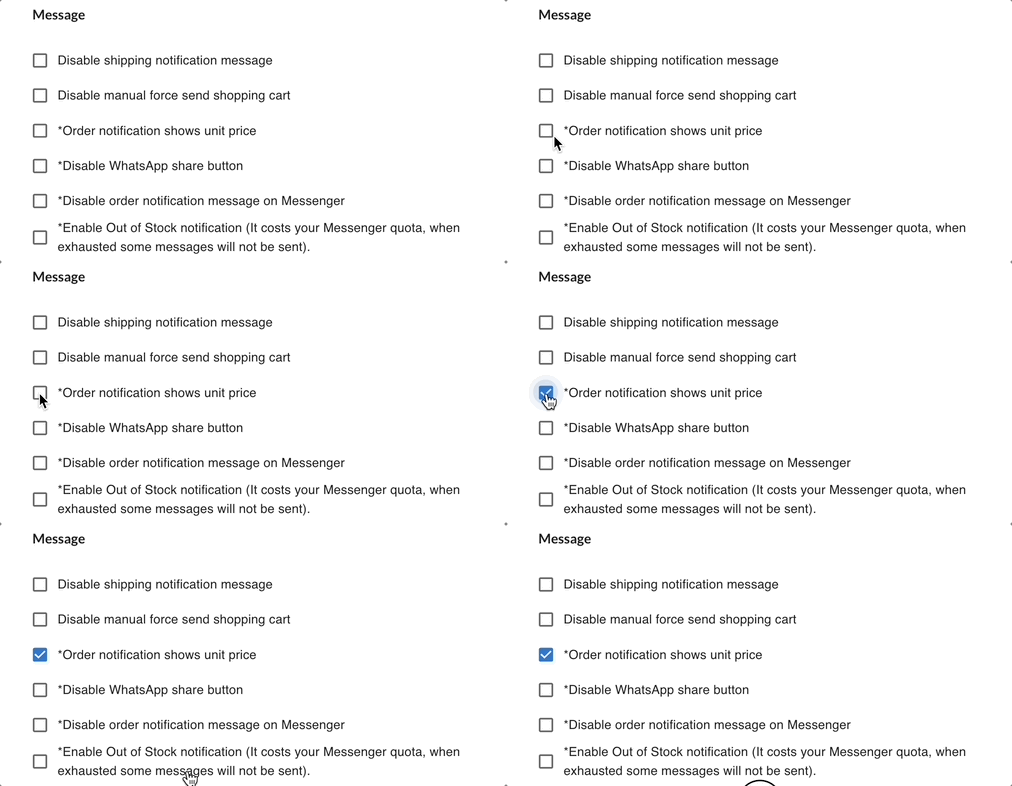
✔ Customers can see price breakdown per item.
❗ If disabled, only total amount will be shown.
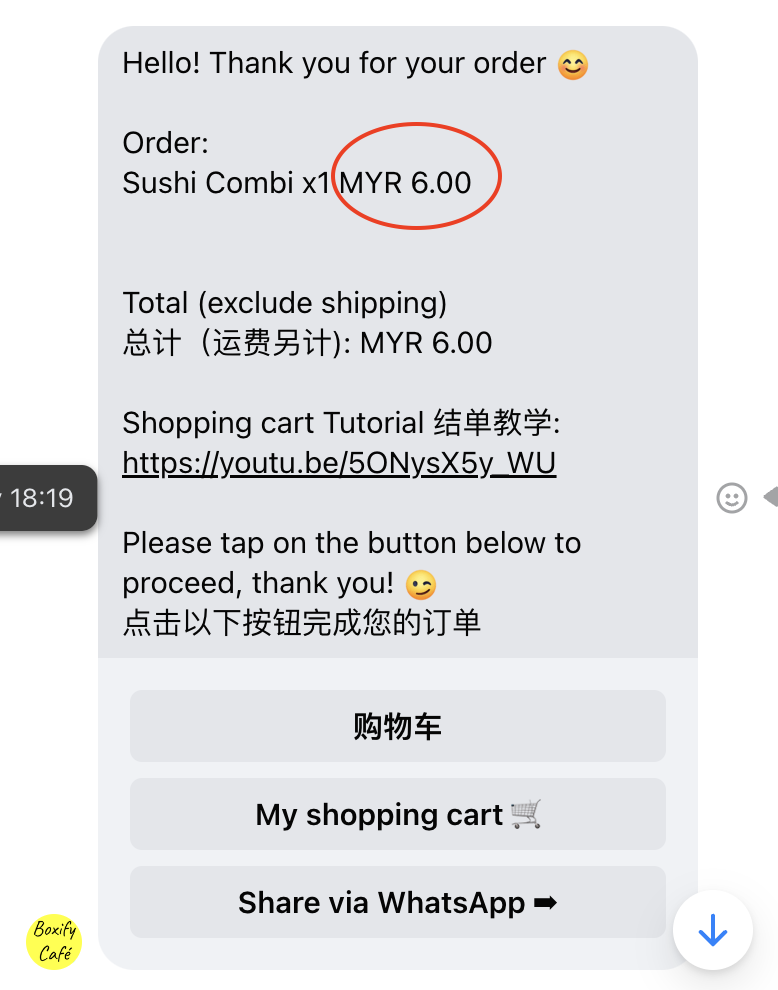
Use this if customers frequently ask for price clarification.
4️⃣ Disable WhatsApp Share Button
Removes the WhatsApp share button from the shopping cart or order page.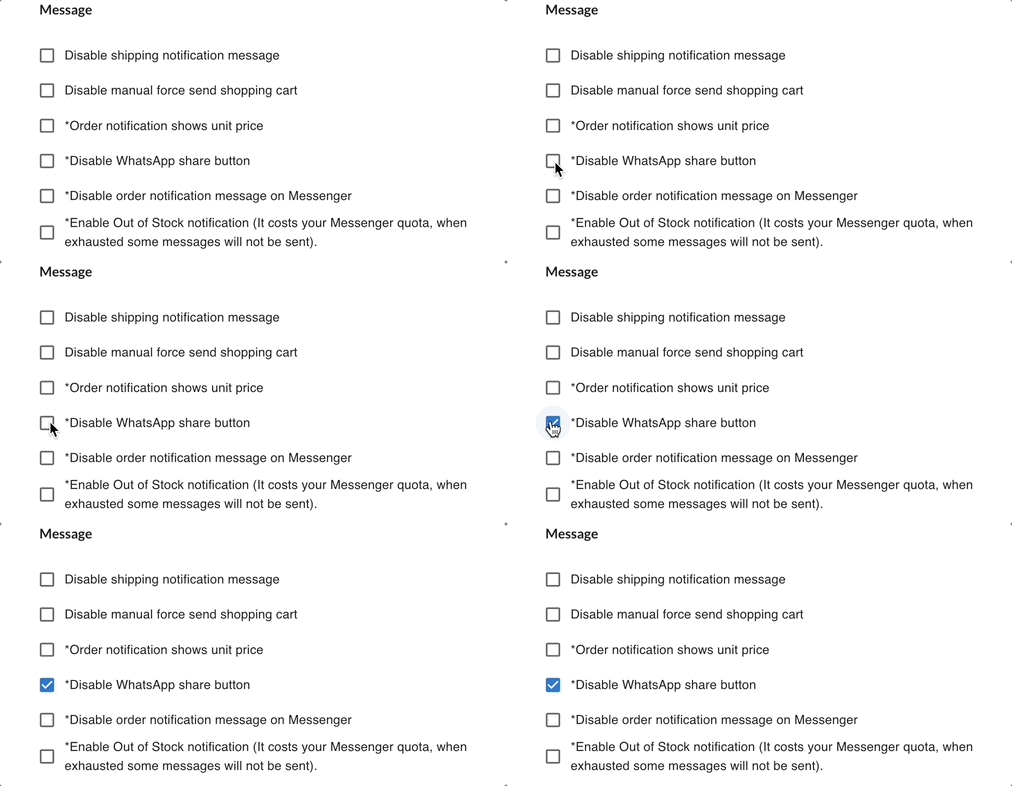
✔ Reduces external sharing.
✔ Keeps checkout within system flow.
Enable this if you do not want customers sharing cart links externally.
5️⃣ Disable Order Notification Messages
Stops automatic order confirmation messages from being sent.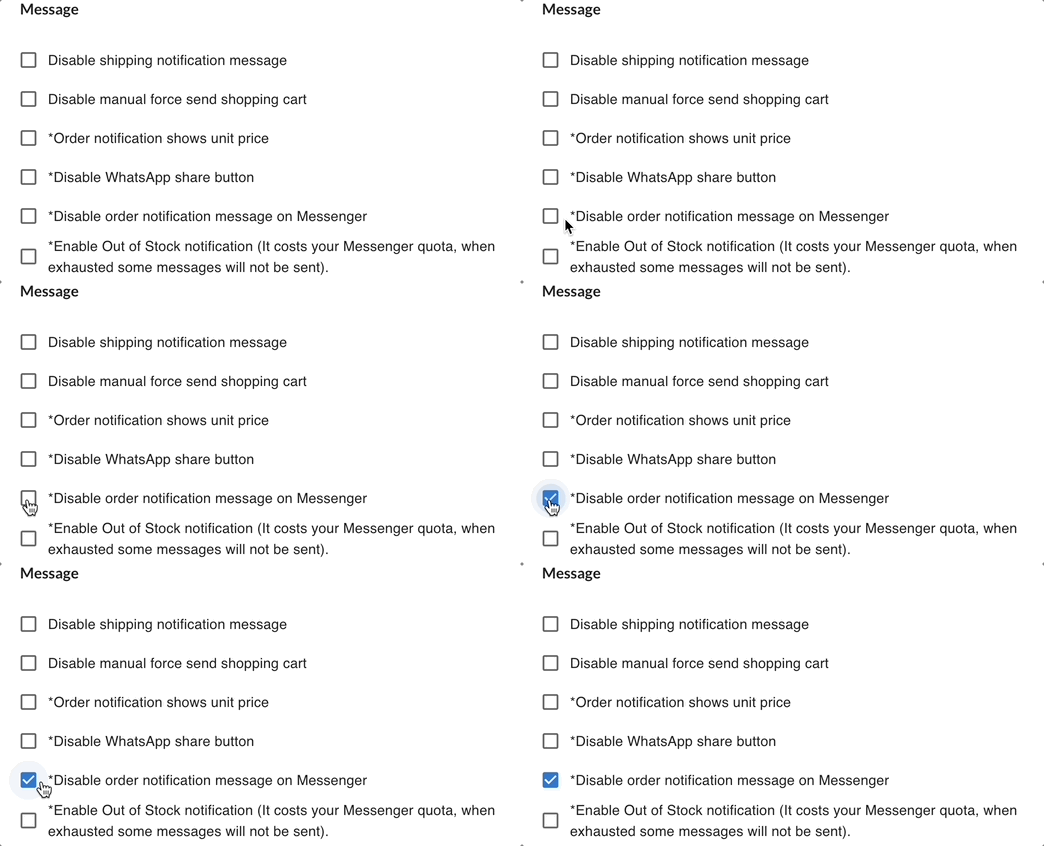
✔ Useful if you handle confirmations manually.
❗ Customers will not receive system-generated order confirmations.
Only disable if you have an alternative communication workflow.
💡 See also how to set Order Notification
6️⃣ Enable Out of Stock Notification
Automatically notify customers when an item is out of stock.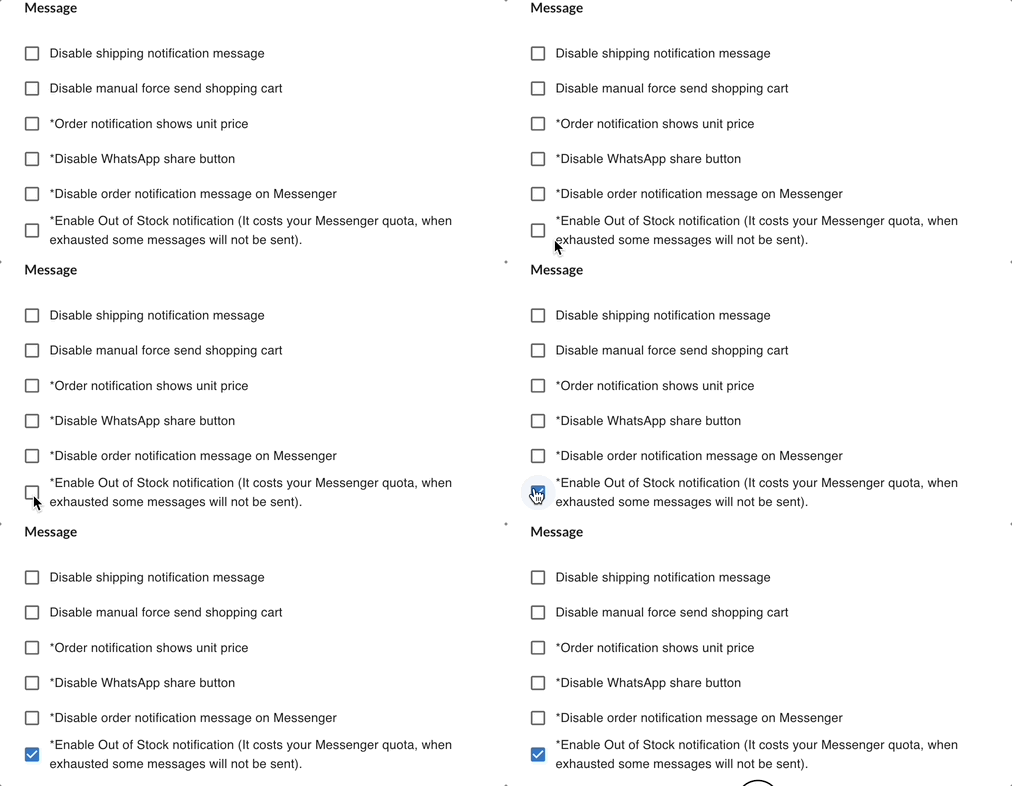
✔ Helps prevent confusion during ordering.
✔ Reduces manual explanation by merchant.
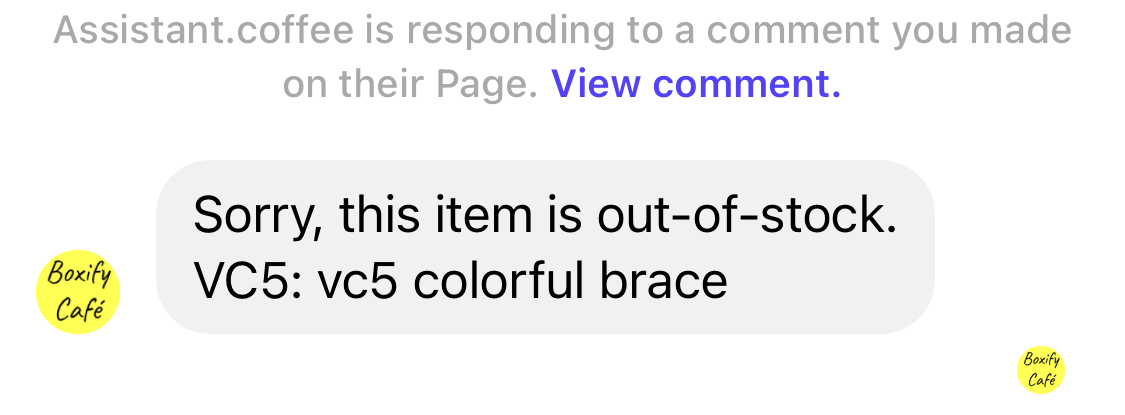
Recommended to keep enabled for smoother order management.
Quick Reminder
Message settings affect customer communication only.
They do NOT change:
- Order status logic
- Payment behaviour
- Revenue calculation
Always review your messaging flow after adjusting these settings.