POS Malaysia
Link your POS Malaysia account to Boxify so you can create and print Poslaju shipment labels.
Before you start
Section titled “Before you start”Get your client_id, client_secret, and accountNo from your POS Malaysia account manager.
Set up the shipping profile
Section titled “Set up the shipping profile”- Log in to Boxify and go to Settings › Shipping › Shipping Profiles.
- Click Create New Profile and select the POSLAJU_MY profile.
- Fill in all required fields. Enter BOXIFY as the
subscriptionCode.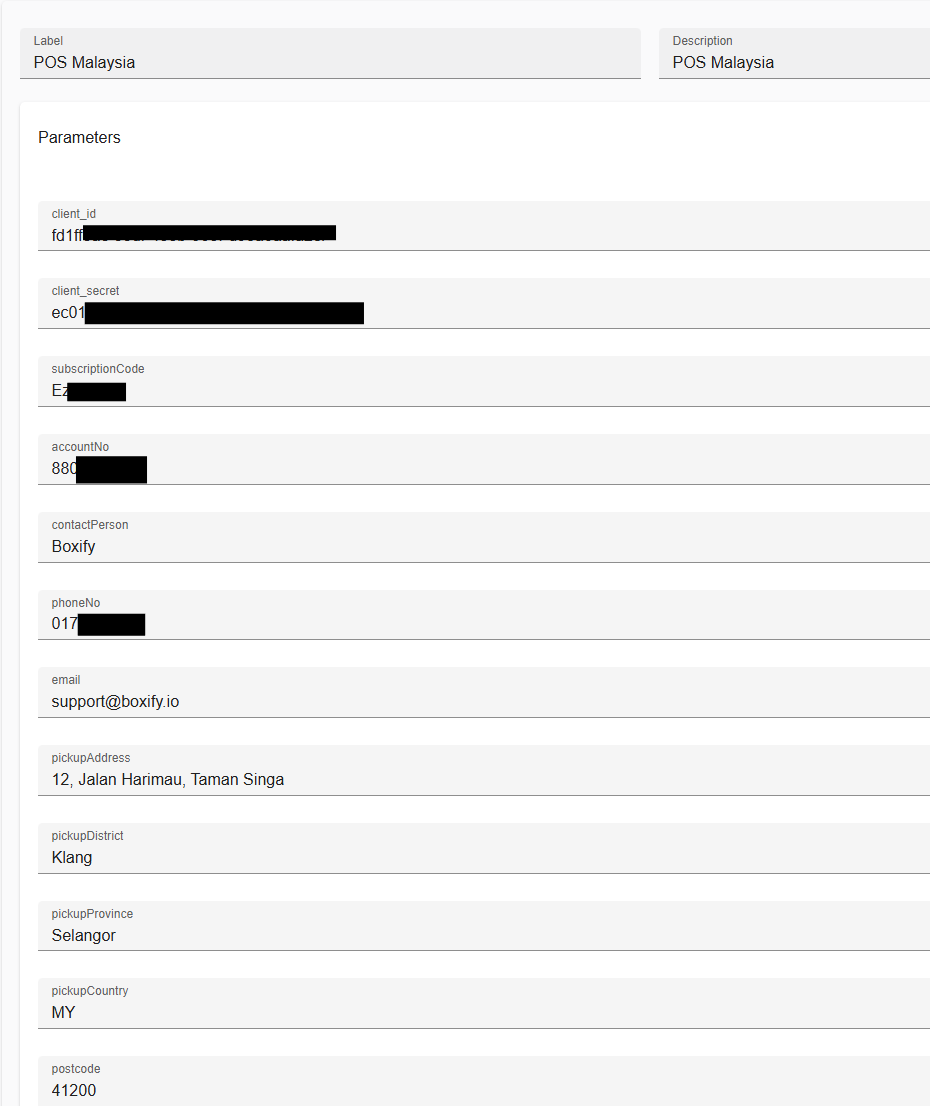
- Click Save.
Create and print shipment labels
Section titled “Create and print shipment labels”- Select the orders you want to ship with POS Malaysia.
- Click Courier › POS Malaysia to open the POS Malaysia actions panel.
Create an airwaybill
Section titled “Create an airwaybill”An airwaybill (AWB) is the shipping label attached to your parcel.
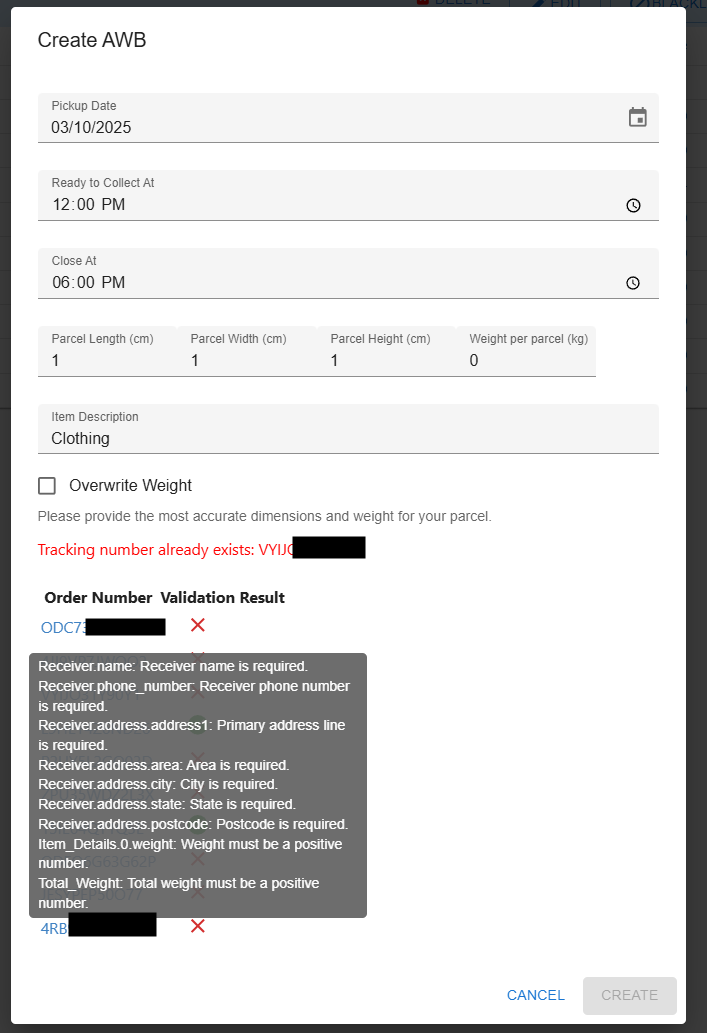
- Click Create AWB to send the orders to POS Malaysia.
- Check that all validations pass before submitting. Hover over any red X to see what needs to be fixed.
Print an airwaybill
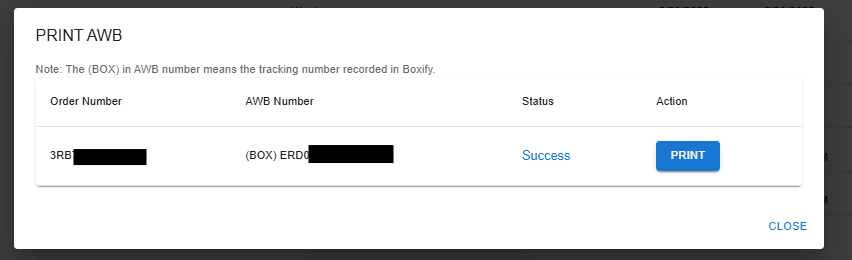
Section titled “Print an airwaybill”- Click Print AWB to reprint a label you have already created.