
Important Information
Set up your store logo and message template before accepting orders. These settings control how your store looks and what information customers see during checkout.
How to open these settings
Section titled “How to open these settings”- Go to Settings › General › Important Information.
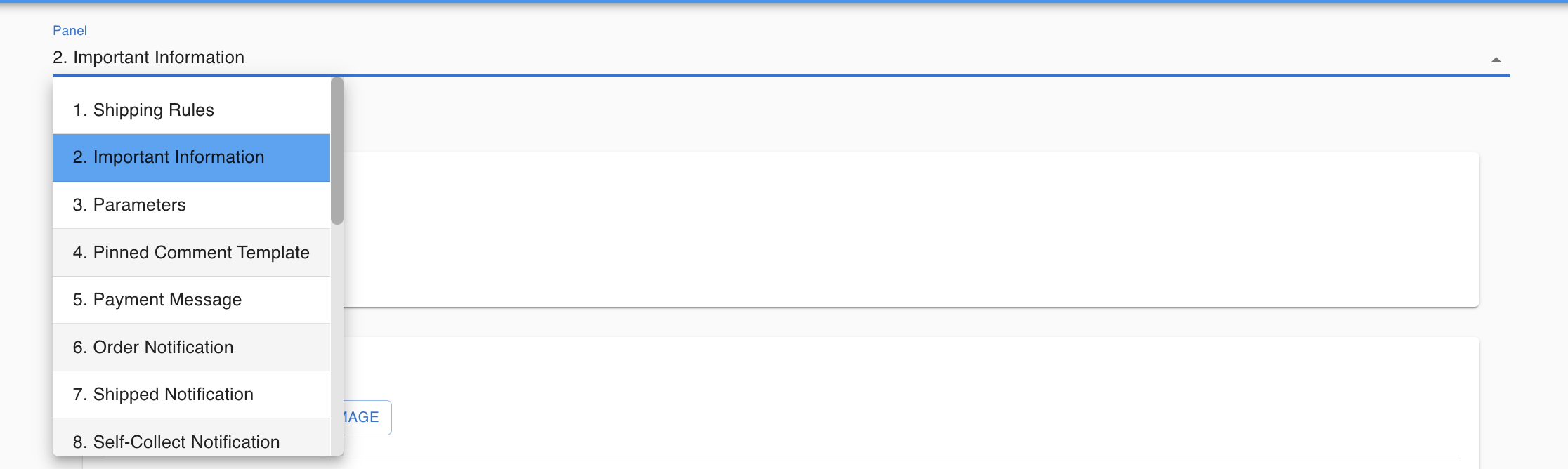
Account Setting
Section titled “Account Setting”Under Account Setting, upload your merchant logo. Your logo appears on your webstore and customer-facing pages. A consistent logo builds trust with your customers.
Also confirm your store name and contact details are correct.
Message Template
Section titled “Message Template”Under Message Template, write the message your customers will see during checkout or after placing an order.
Common things to include:
- Your bank account details (for customers who pay by bank transfer)
- Shipping fee information
- Your cancellation or refund policy
- Ordering instructions
Examples:
- “Please select a shipping method before uploading your payment receipt.”
- “Payment must be made within 24 hours.”
- “No cancellations after payment is confirmed.”
Customer view
Section titled “Customer view”Customers see your Important Information message inside their shopping cart.
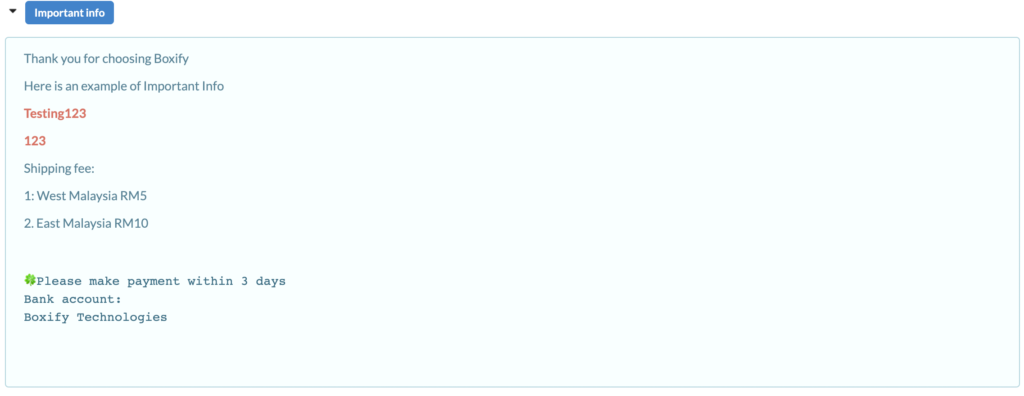
Shopping cart › Important info
See also: