
About the QR Code
QR scan lets you find an order instantly on your phone — especially useful when managing self-collect customers.
How to scan a QR code
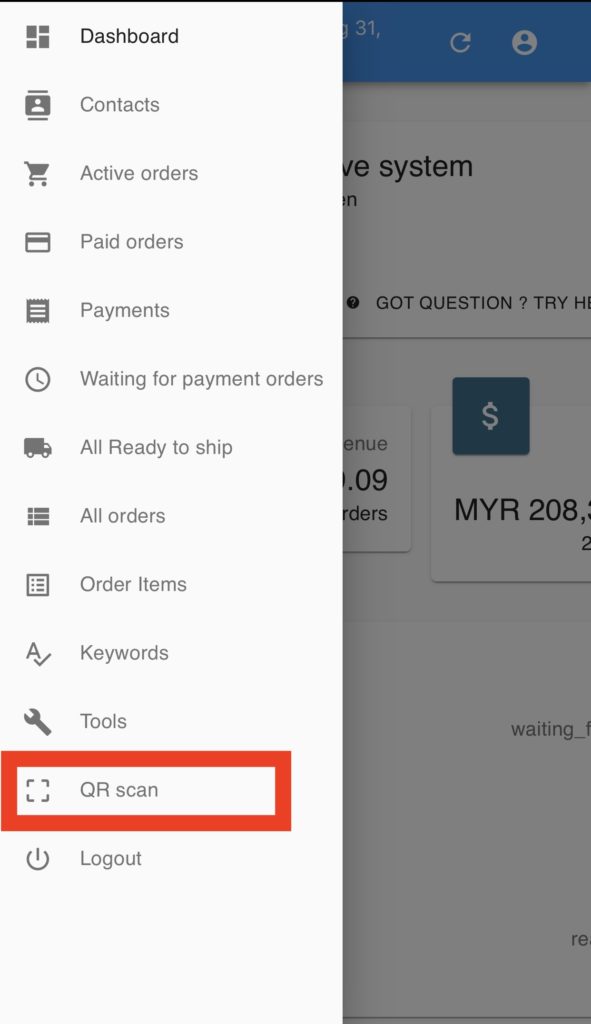
Section titled “How to scan a QR code”- Log in to Boxify on your phone and tap QR scan in the left menu.
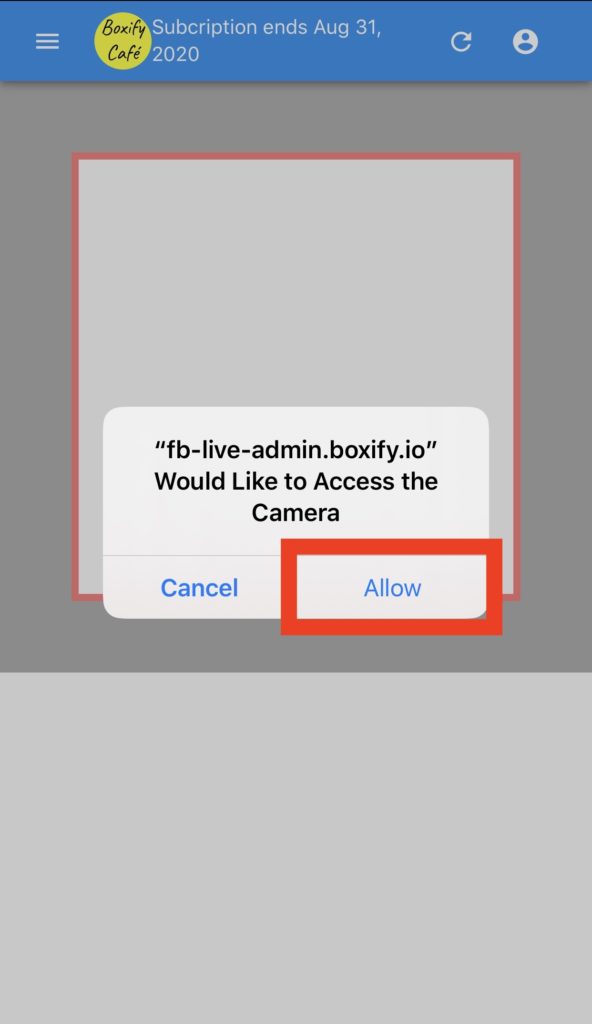
- Allow fb-live-admin-boxify.io to access your camera.
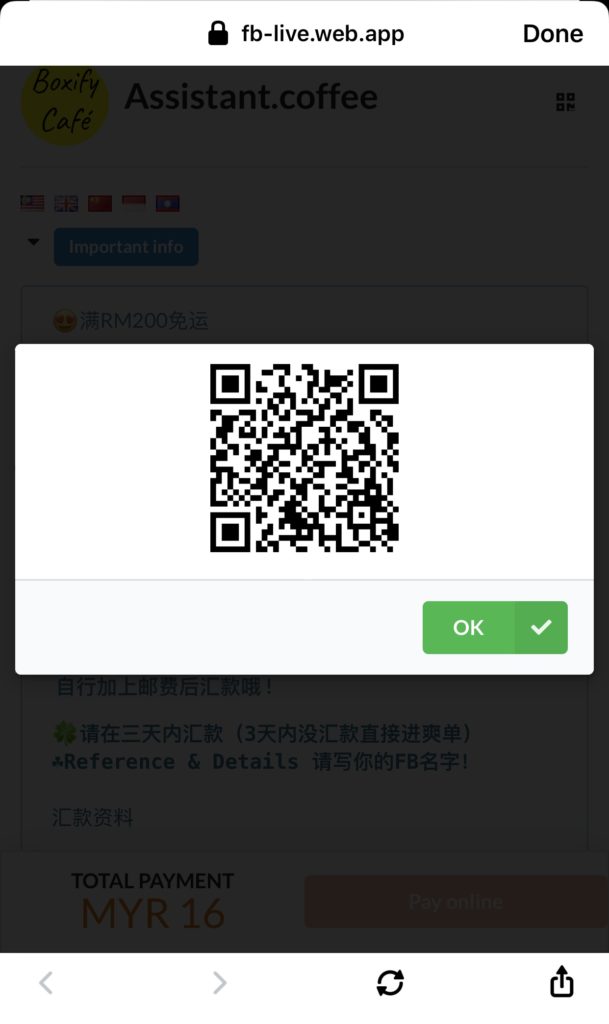
- In the customer’s shopping cart, tap the QR code icon in the top right.

- Scan the QR code — the system will open the matching order automatically.
See also: