
Combine Orders into One
Combine Orders lets you merge two separate orders into one. This is useful when customers want to pool their orders with friends to qualify for free shipping, which helps you attract more buyers and makes shipment arrangement easier.
How to combine orders
Section titled “How to combine orders”-
Go to Tools › Combine Orders.
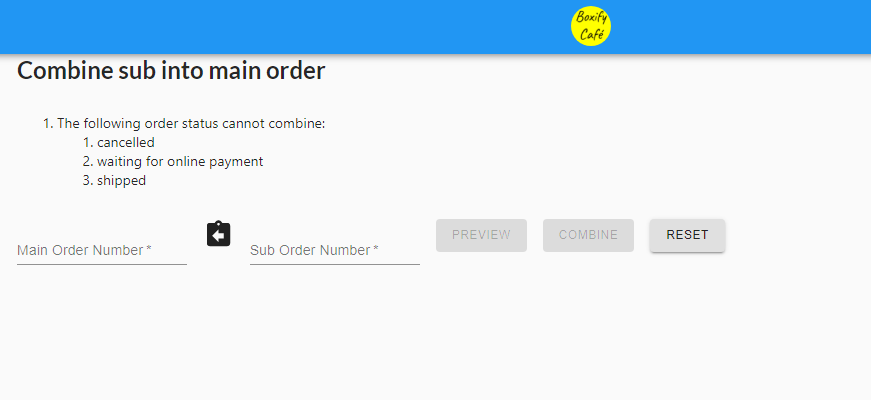
-
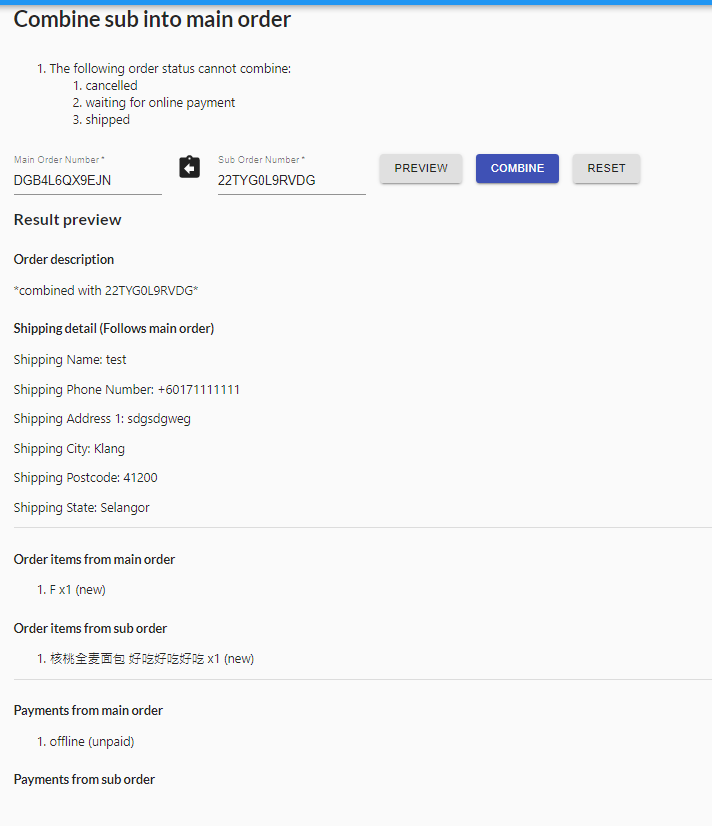
Enter the two order numbers you want to merge. Put the master order on the left and the sub-order on the right. Click PREVIEW to check the details before confirming.
-
If everything looks correct, click COMBINE.
See also: