
Switch From Business Suite to Business Manager
If the Manual FB Send button in Boxify is not working, switching from Business Suite to Business Manager often fixes the issue.
- Open this link: https://business.facebook.com/latest/inbox/all
- Click Give Feedback at the bottom of the left sidebar.
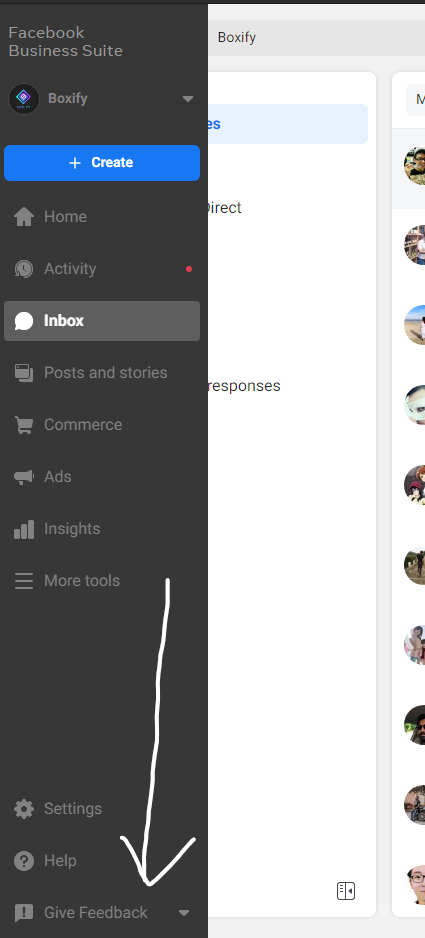
- Click Switch to Business Manager.
- Click the blue Switch button to confirm.
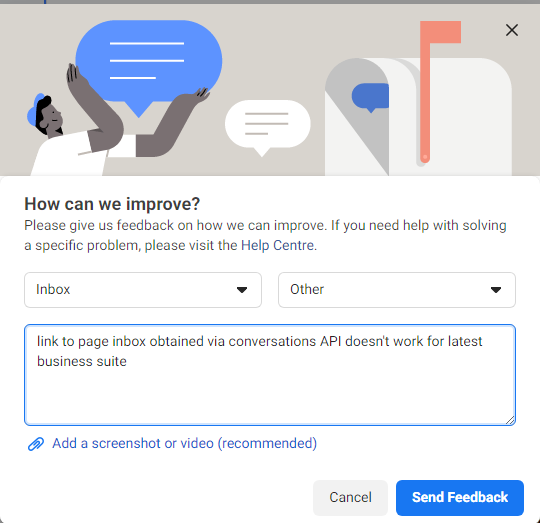
- Fill in the feedback on the next screen, then click Send Feedback.
Once done, go back to Boxify and click the Manual FB Send button to test.
See also: