
Unable to Upload the Receipt via Phone
Some phones cannot upload receipts because of how Facebook Messenger opens web pages inside its built-in browser. Only Facebook can fix this limitation. Use one of these workarounds instead.
Workarounds
Section titled “Workarounds”- Tap Copy link, paste the link into an external browser such as Chrome or Firefox, then upload your receipt from there.
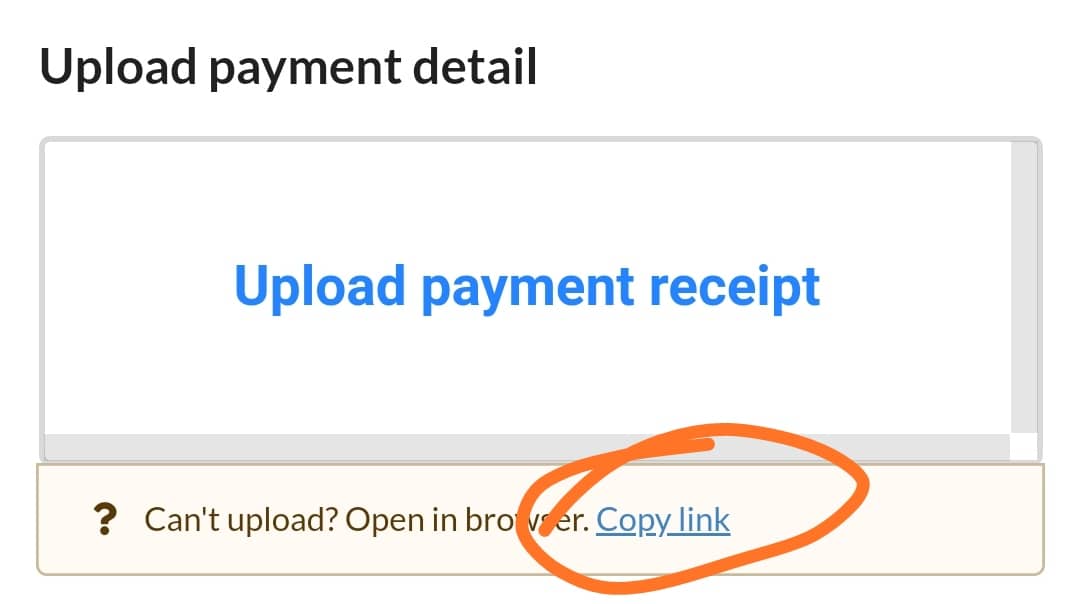
- Ask the customer to send the receipt directly through Facebook Messenger.
See also: