
Sell via Messenger
Messenger selling works like comment selling, except customers send the keyword privately in Messenger instead of commenting on a post.
Before you start
Section titled “Before you start”- Your Facebook Page is connected to Boxify and its permissions are active.
- Your keywords are created, activated, and have stock allocated.
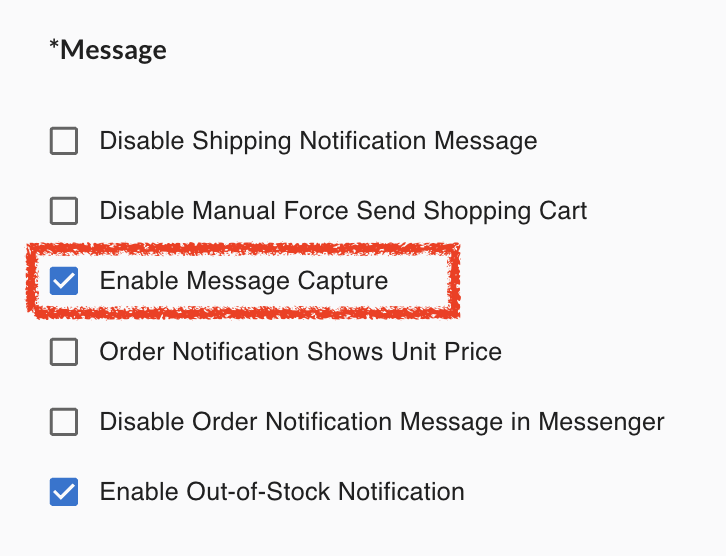
Turn on Message Capture
Section titled “Turn on Message Capture”Messenger ordering is off until you enable it.
- Log in to Boxify.
- Go to Settings › General › Parameters.
- Scroll to the Message section.
- Tick Enable Message Capture.
- Click Save.
How customers order in Messenger
Section titled “How customers order in Messenger”Customers send the keyword and quantity as a message — A01+2 orders two units.
They can also send cart at any time to get their shopping cart and payment link back.
Boxify then creates the order and sends the payment link through Messenger, following the same rules as comment selling.
When to use Messenger selling
Section titled “When to use Messenger selling”- Customers prefer to order privately.
- Your live comment feed moves too fast to catch every order.
- You want a backup ordering method so fewer orders are missed.
- You promote products through direct messages.
Orders not being created? See Troubleshooting.
See also: