
Change Your Locale for Date Format
The Boxify admin panel displays dates in the format set by your Chrome browser locale. Follow these steps to change it.
-
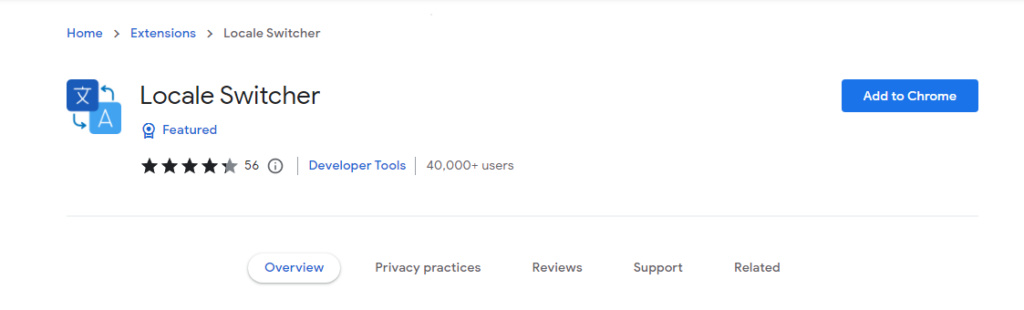
Go to this link and click Add to Chrome to install the Locale Switcher extension.
-
Go to the admin panel.
-
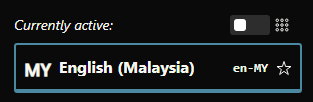
Open the Locale Switcher extension and choose the locale you want.
- For DD/MM/YYYY format, select
en-MY.
- For DD/MM/YYYY format, select
-
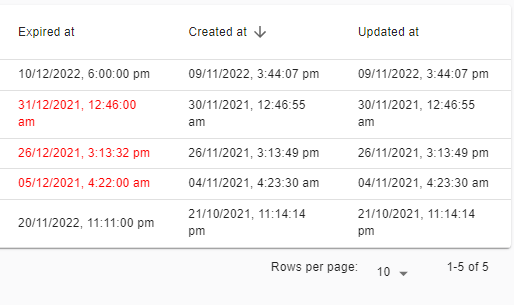
The admin panel now shows dates in the format you selected.
See also: