
Order Management Workflow
Follow these four steps to move orders from Active to Shipped without unnecessary back-and-forth.
Step 1: Send payment links using Mass FB Send
Section titled “Step 1: Send payment links using Mass FB Send”Send payment links to all orders with the status Active in one action.
Step 2: Reconcile payments
Section titled “Step 2: Reconcile payments”Match each payment you received against the orders in Boxify.
Customers will see the update in their shopping cart once you complete payment reconciliation. Learn more about the shopping cart update.
Step 3: Set order status to Ready to Ship
Section titled “Step 3: Set order status to Ready to Ship”Customers receive a notification when you change their order to Ready to Ship.
- Go to All Orders.
- Filter by Shipping option to identify orders that are ready to be arranged for delivery. Customers who chose Ship Later are not ready yet — they plan to keep adding items.
- Tick the selection boxes and bulk-change the status to Ready to Ship.
Step 4: Bulk upload tracking numbers
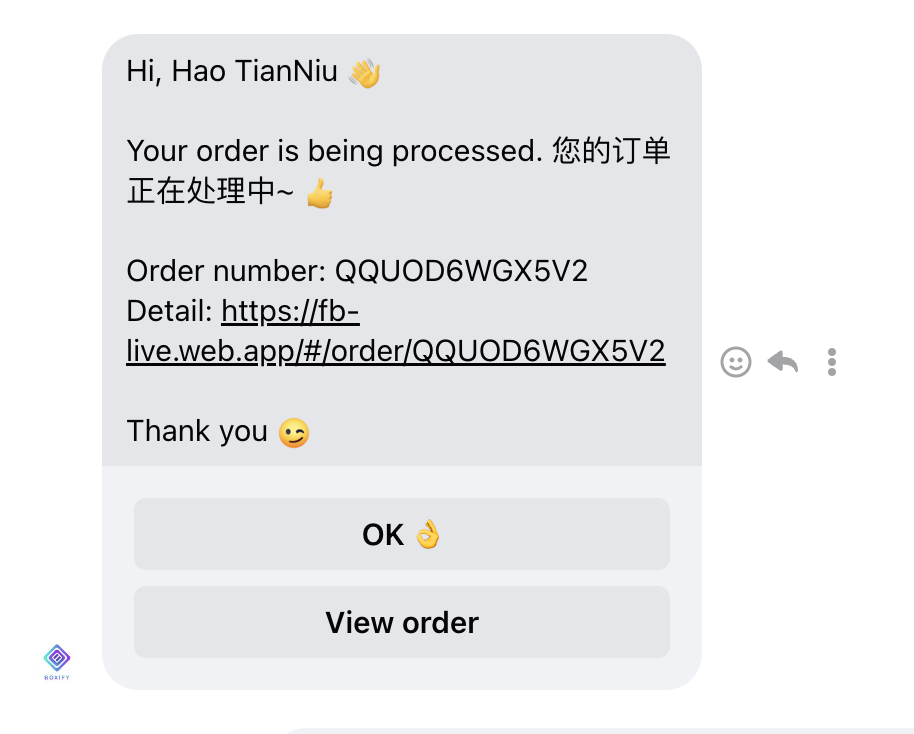
Section titled “Step 4: Bulk upload tracking numbers”Customers receive a notification with their tracking number when you upload it and the system sets the order to Shipped.
Upload tracking numbers in bulk to complete this step quickly.
Boxify uses an order stack system. Learn more Order Statuses.
See also: