
About Order Items
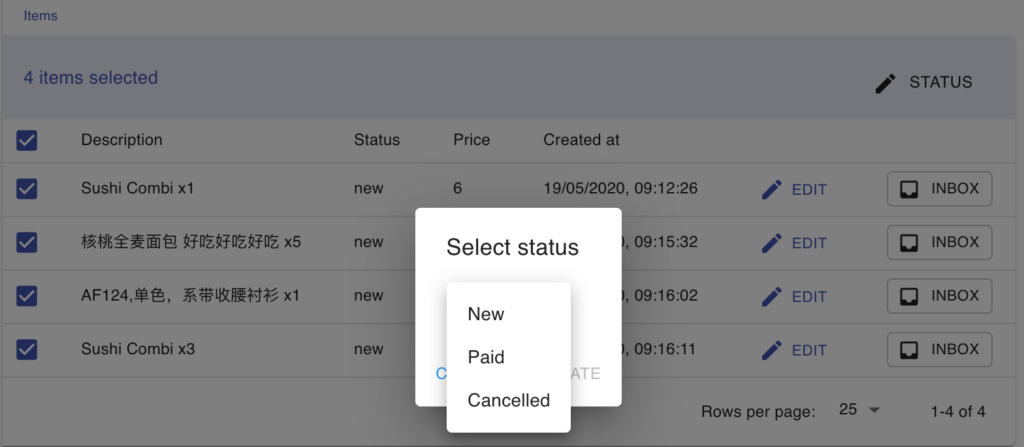
Each item inside an order has its own status. Using item statuses helps you track what has been paid, what is still pending, and what has been cancelled.
Item statuses
Section titled “Item statuses”| Status | Meaning |
|---|---|
| New | The item was just added to the order. |
| Paid | The item has been paid. A paid item cannot be removed from the shopping cart by the customer. |
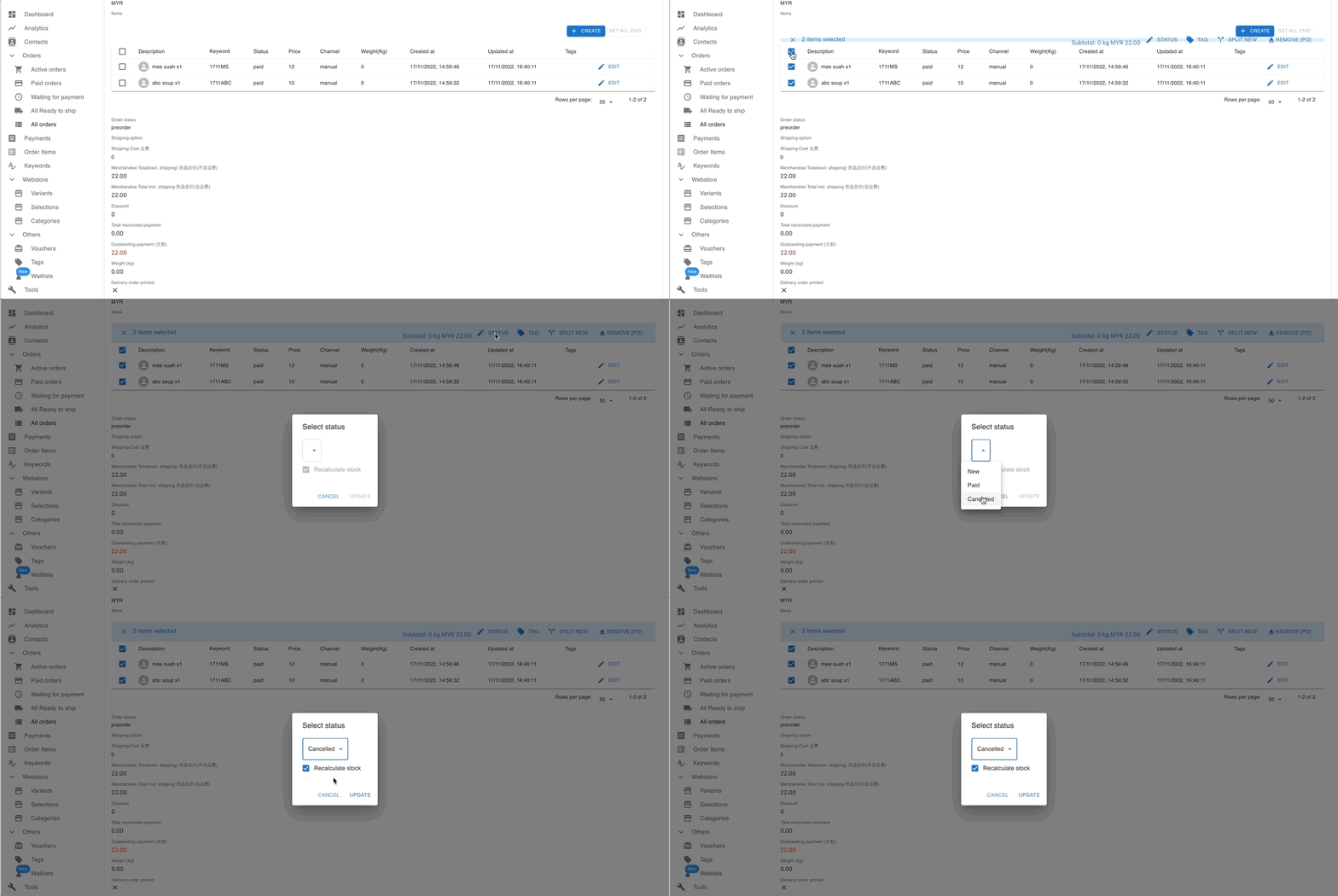
| Cancelled | The item has been cancelled. Tick Recalculate stock when cancelling to return the item’s quantity to your available stock. |
Mark all items as paid
Section titled “Mark all items as paid”- Open the order and scroll to the Order Items section.
- Click SET ALL PAID to mark every item in the order as paid at once.
See also: