
Run a Payment Received Report
The Payment Received Report shows the total payments collected over a day, week, or month — filtered to items where payment reconciliation has been completed.
Complete payment reconciliation before running this report to get an accurate figure.
Export the daily payment received report
Section titled “Export the daily payment received report”
- Go to Order Items in the left menu.
- Filter the item status to Paid.
- Set the start date and end date to today’s date.
- Click Export to download the CSV file.
Export the monthly payment received report
Section titled “Export the monthly payment received report”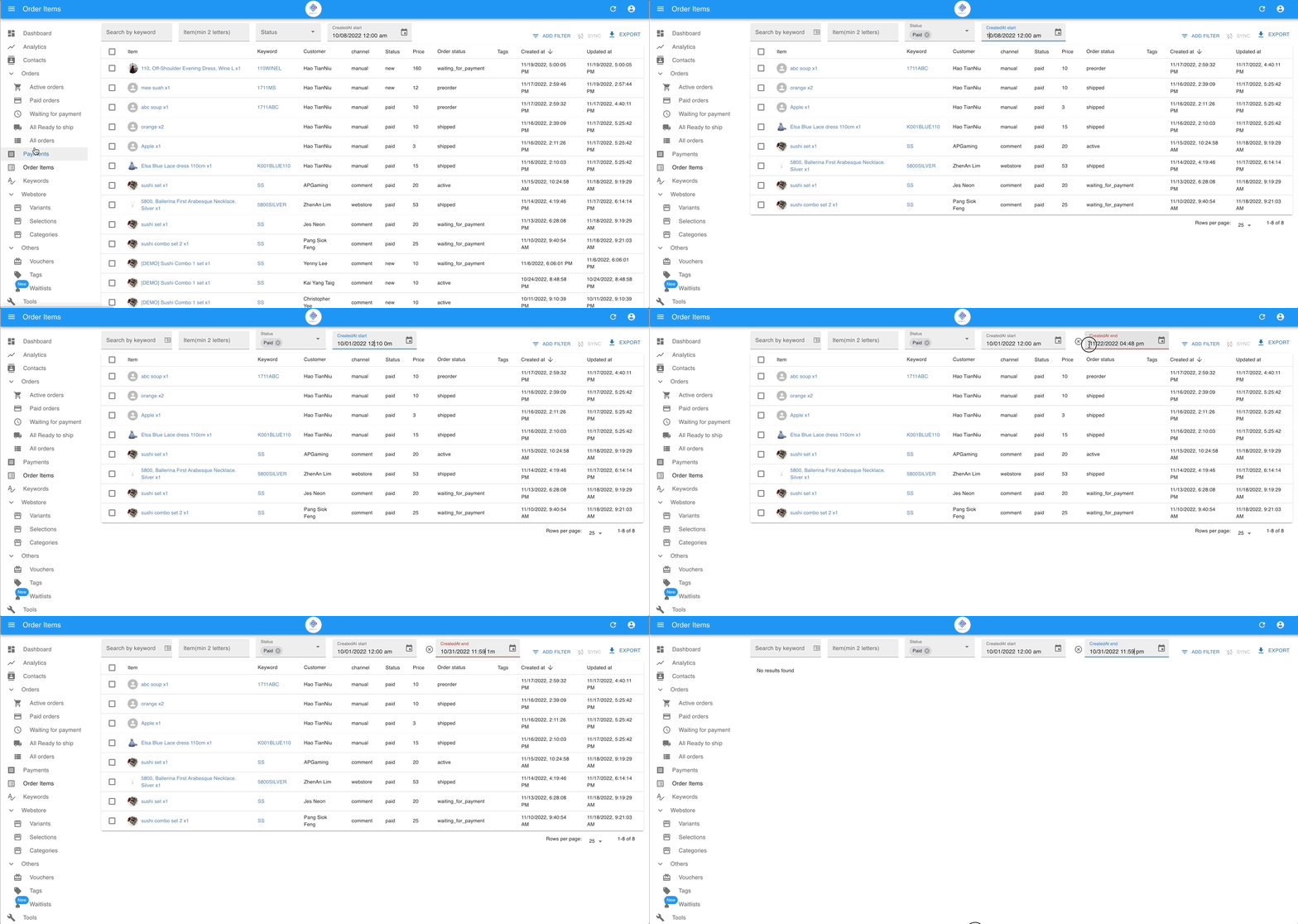
- Go to Order Items in the left menu.
- Filter the item status to Paid.
- Set the start date and end date to cover the full month.
- Click Export to download the CSV file.
See also: