
Set up Offline Payment in Boxify
This article shows you how to enable offline payment (bank transfer) in Boxify.
Offline payment lets customers transfer money directly to your bank account and upload a payment receipt during checkout. Use this method if you prefer bank transfer over an online payment gateway.
Enable offline payment
Section titled “Enable offline payment”-
Go to Settings › Payments › Payment Methods.
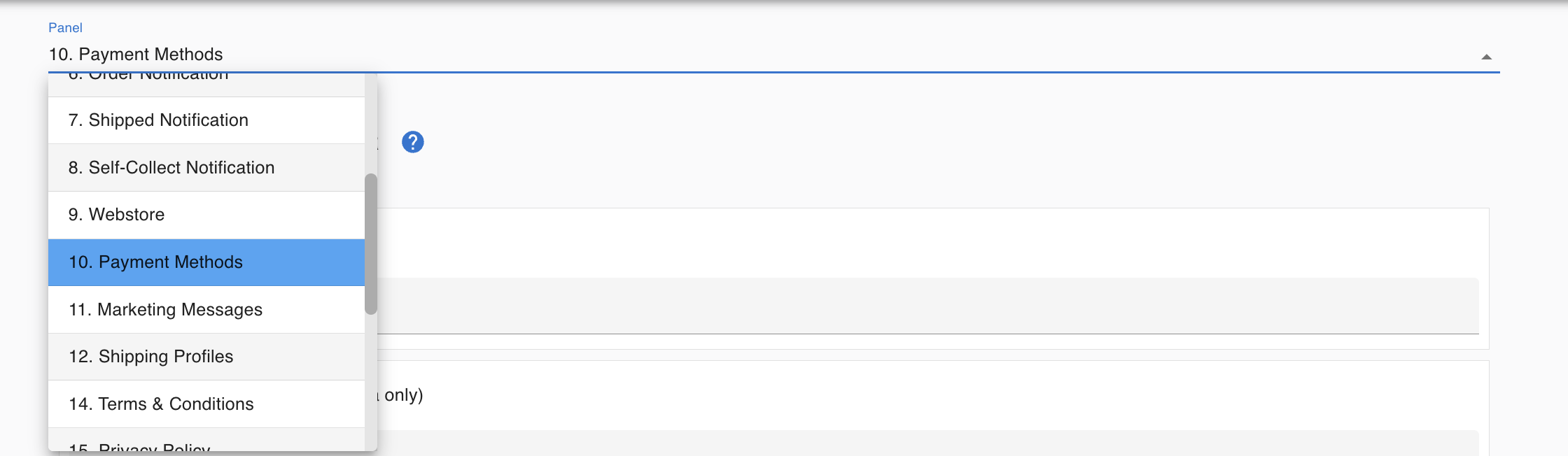
-
Turn on Offline Payment / Bank Transfer.
-
Enter your bank details:
- Account Number
- Account Name
- Bank Name
-
Click Save.
How offline payment works for customers
Section titled “How offline payment works for customers”- Customer selects Offline Payment at checkout.
- Customer transfers the payment to your bank account.
- Customer uploads a photo or PDF of the payment receipt.
- The receipt appears in your Payments menu.
- You check your bank statement to confirm the transfer.
- You reconcile the payment in the system and change the item status to Paid.
Verify before marking an order as paid
Section titled “Verify before marking an order as paid”Before marking an order Paid:
- Confirm the payment amount in your bank statement.
- Make sure the amount matches the outstanding balance.
- Reconcile the payment in the system.
- Change the item status to Paid.
When to use offline payment
Section titled “When to use offline payment”Use offline payment if you:
- Prefer direct bank transfer from customers.
- Do not use a payment gateway.
- Are comfortable verifying payments manually.
See also: