
Admin Panel Overview
This page explains what each section of the Boxify admin panel does.
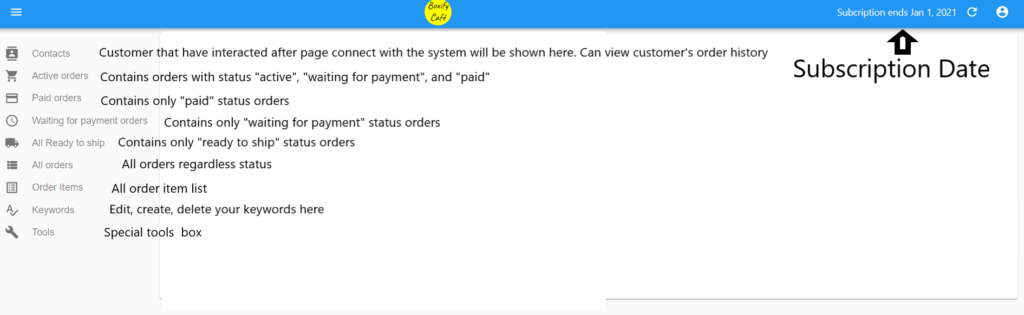
| Section | What it shows |
|---|---|
| Contacts | Every customer who has interacted with your Facebook page after connecting to Boxify. Includes their full order history. |
| Active Orders | All open orders with the status “Active”, “Waiting for Payment”, or “Paid”. |
| Paid Orders | Orders with the status “Paid” only. |
| Waiting for Payment Orders | Orders with the status “Waiting for Payment” only. |
| All Ready to Ship | Orders with the status “Ready to Ship” only. |
| All Orders | Every order, regardless of status. |
| Order Items | A flat list of every individual item across all orders. |
| Keywords | Create and manage the keywords your customers use to place orders. |
| Tools | Extra tools for managing your store. |
Use the admin panel on your phone
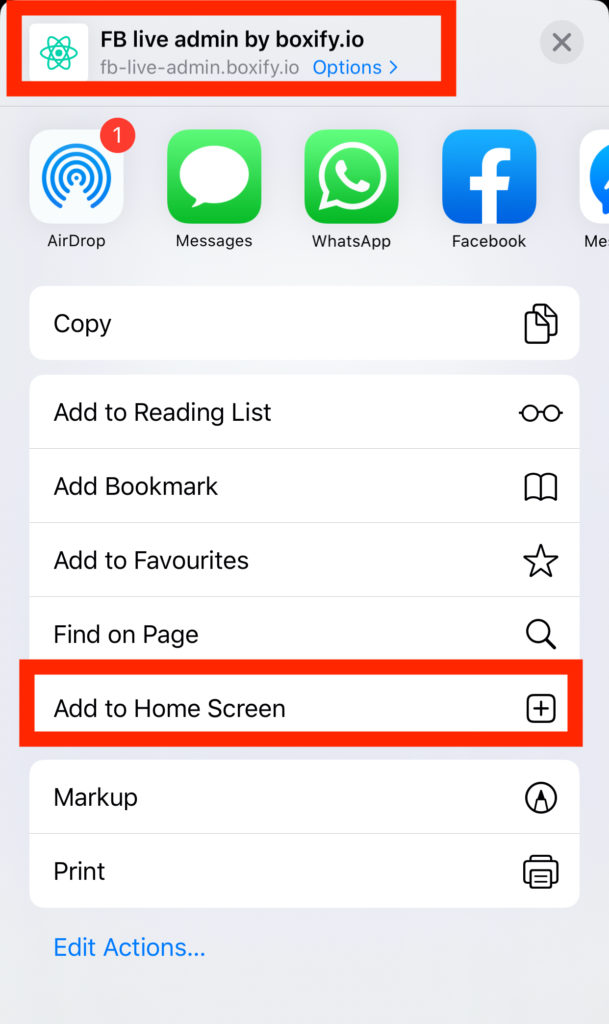
Section titled “Use the admin panel on your phone”Add Boxify to your phone’s home screen so you can manage orders from anywhere.
- Open fb-live-admin.boxify.io in Chrome
- Tap Menu › Add to Home Screen.
See also: