
Live Window
Live Window lets you read all incoming comments during a Facebook Live and create orders by hand. Unlike comment selling, you control every order.
Why comments go missing without it
Section titled “Why comments go missing without it”Facebook ranks comments and automatically hides the ones it judges to be spam or low quality. During a live that means you never see some of the orders customers are trying to place.
Live Window shows every comment, including the hidden ones, so:
- You can reply to every customer, which helps your Page rating.
- You capture orders that would otherwise be lost.
When to use Live Window
Section titled “When to use Live Window”- You run auctions where you pick the highest bidder.
- You sell limited-quantity items.
- You have many product variants and would rather not create a keyword for each.
- Facebook is hiding or filtering your comments.
- You want to decide manually who gets each item.
If you would rather orders were created automatically from keyword comments, use comment selling instead.
Open Live Window
Section titled “Open Live Window”-
Go to Tools in the left menu.
-
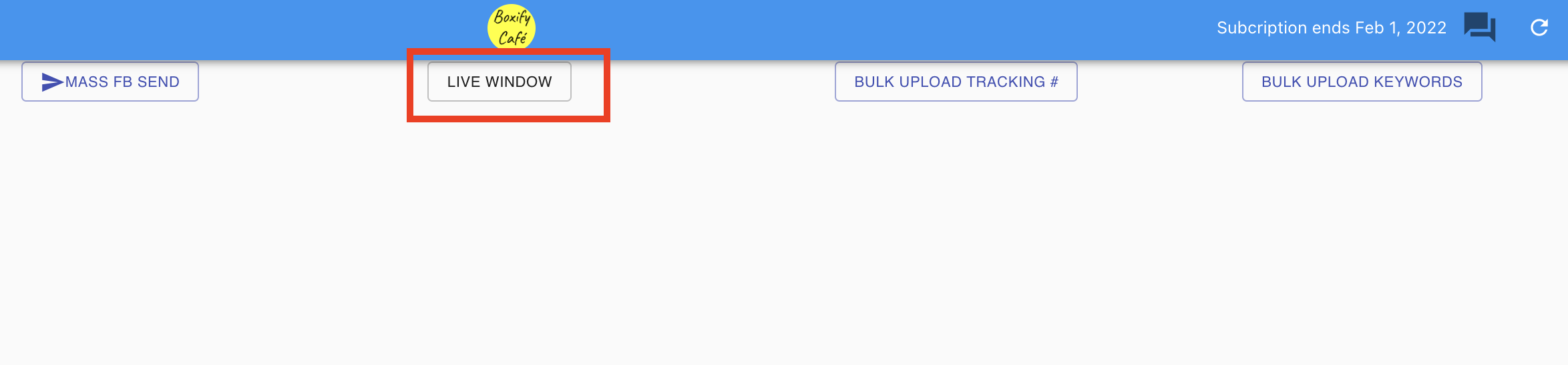
Click Live Window.
-
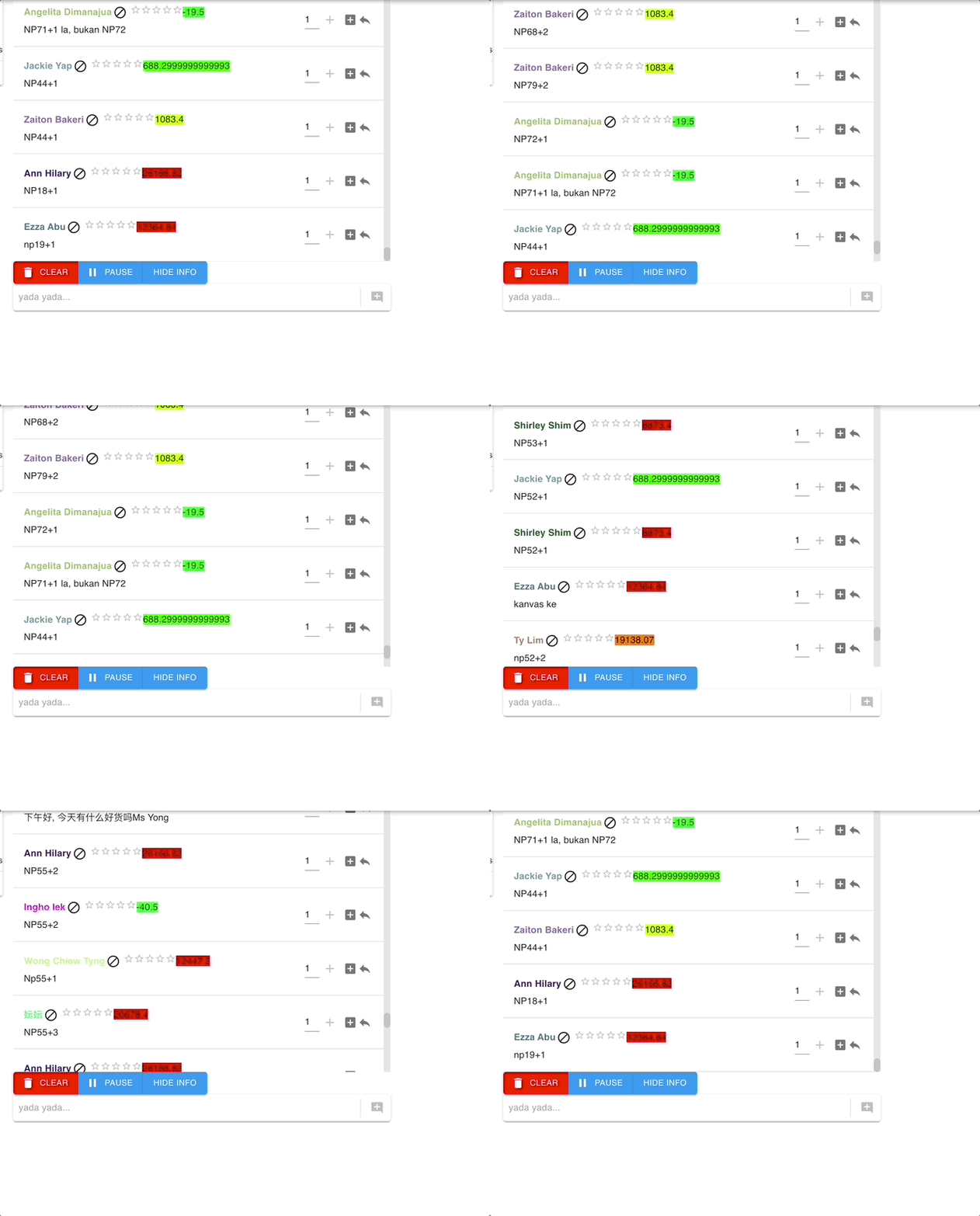
The comments panel appears on the right of the Live Window screen.
How selling with Live Window works
Section titled “How selling with Live Window works”- Start your Facebook Live session.
- Open Live Window in Boxify.
- Read the incoming comments, including any Facebook would normally filter out.
- Assign items to customers by clicking their comments.
- Orders are created directly from Live Window.
You can also use the Comment Picker to choose a winner during a giveaway or auction.
See also: