
Pin Comment Template
This article shows you how to set up and use the pin comment template to post product keywords quickly during your Facebook Live.
Set up your pin comment template
Section titled “Set up your pin comment template”-
Go to Settings › Messaging › Pinned Comment Template.

-
Type your message in the text box on the right, or keep the default template.
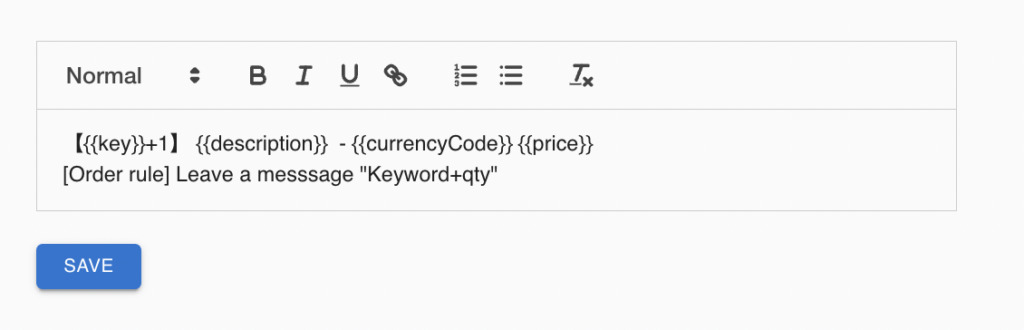
-
Go to Keywords in the left menu. Click the copy icon next to the keyword you want to use.

-
Paste the keyword into your Facebook comment and pin it.
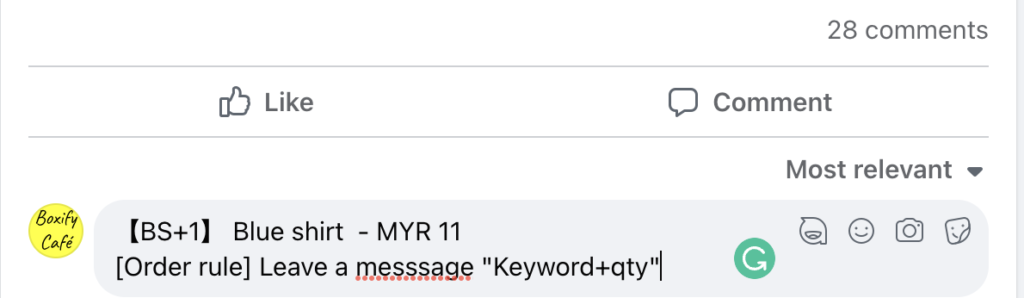
Post multiple keywords at once
Section titled “Post multiple keywords at once”Instead of copying keywords one by one, you can select several and post them all together.
-
Check the box next to each keyword you want, then click Bulk Comment Template.

-
Click Copy to copy the combined template.
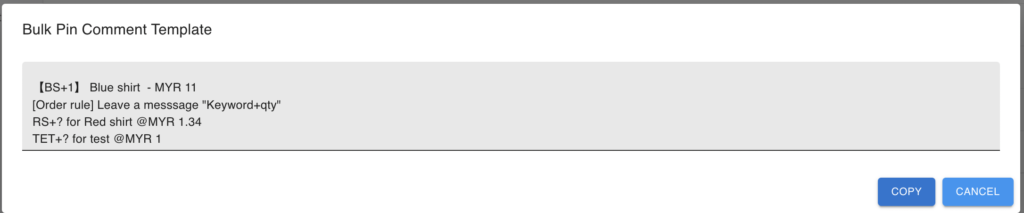
-
Paste the copied text into your Facebook comment.
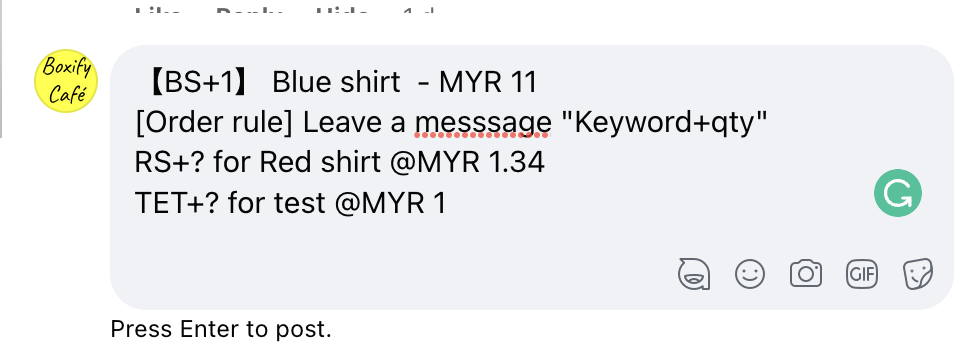
See also: