
Send Payment Link
There are several ways to send a payment link to your customers. Customers can request it themselves, or you can send it directly.
How customers can get their payment link
Section titled “How customers can get their payment link”- Tap the My Shopping Cart button in the order notification in Messenger.
- Type
cartin the page Messenger. - Use the persistent menu you set up in Messenger to let customers check their cart anytime.

How you can send the payment link as a merchant
Section titled “How you can send the payment link as a merchant”-
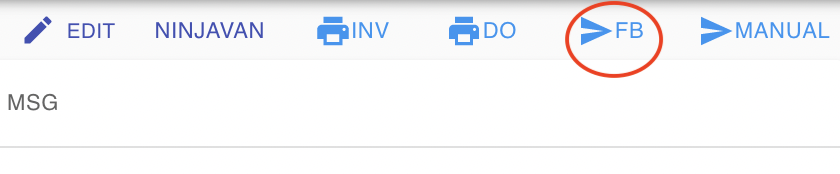
Open the order and tap the FB Send button.
- If you cannot find the FB Send button, the customer has not yet messaged your page. This is due to Facebook Messenger changes.
- If the customer has strong privacy settings, send the payment link manually using the method below.
- If you cannot find the FB Send button, the customer has not yet messaged your page. This is due to Facebook Messenger changes.
-
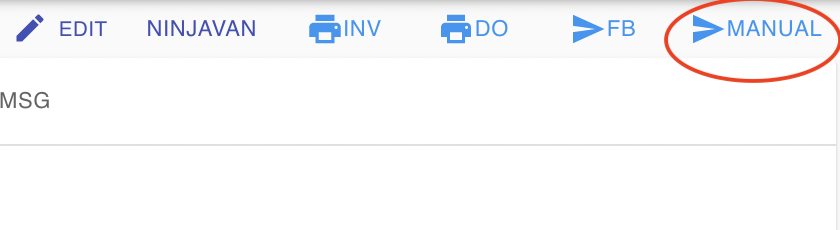
Open the order, go to the MSG tab, copy the message, and send it to the customer manually.

-
Go to Menu › Tools and use Mass FB Send to send payment links in bulk.
See also: