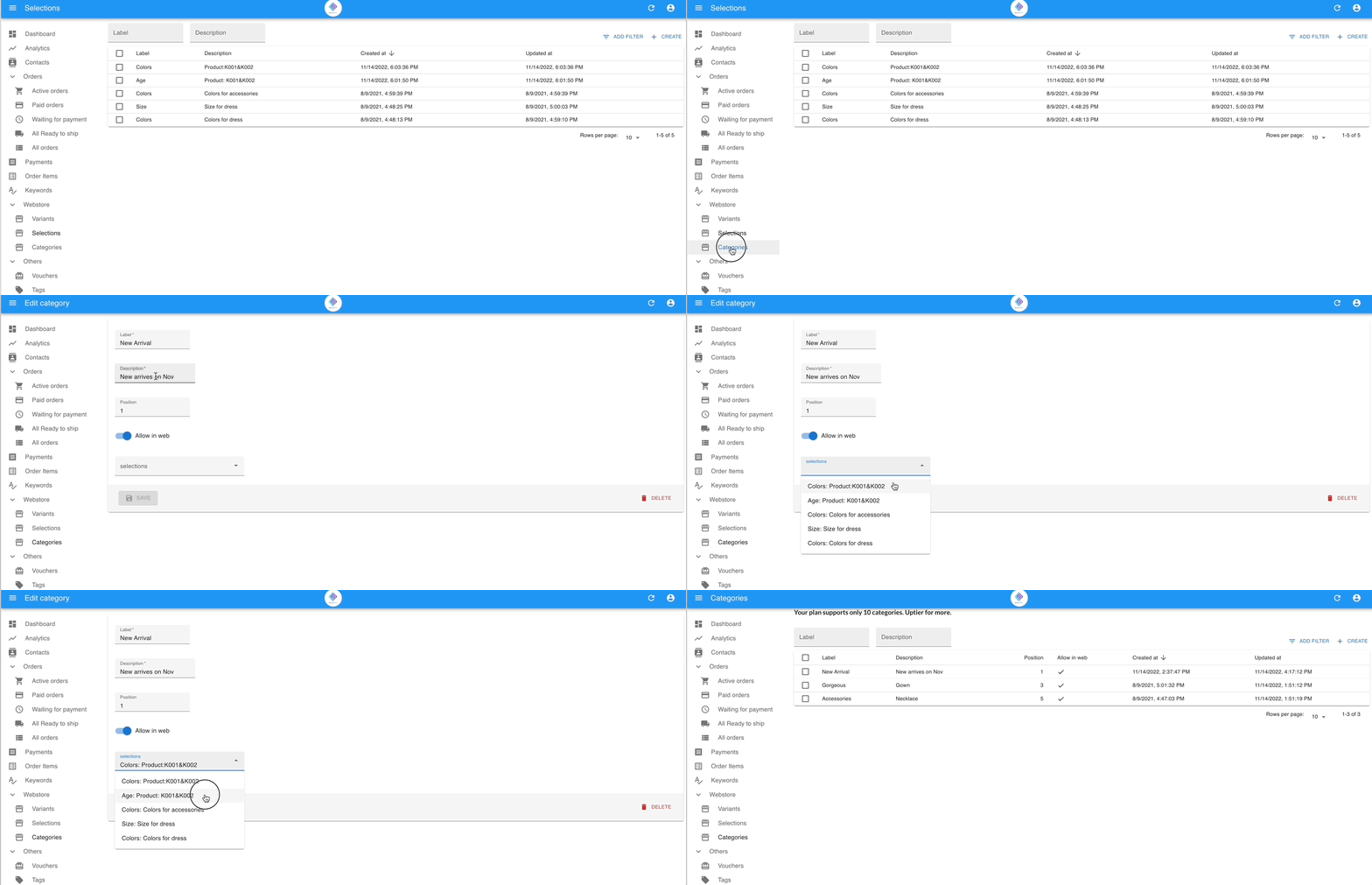
Create the Selections
A selection is a label that groups related variants together — for example, grouping “Red”, “Blue”, and “Green” under a selection called “Color”. This gives customers a clear menu to choose from when browsing your webstore.
Before you start
Section titled “Before you start”- Create your variants before creating selections.
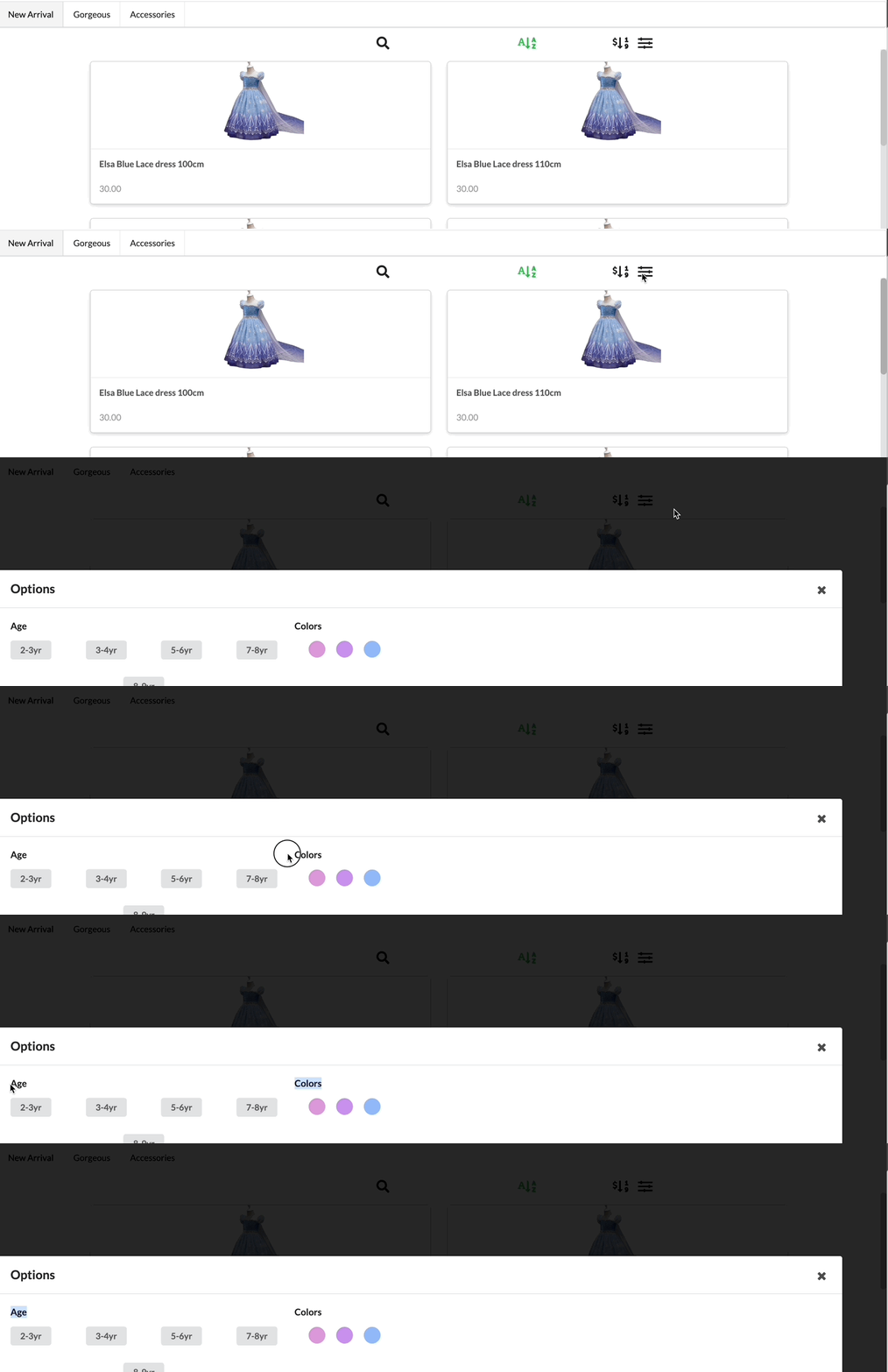
Create a selection
Section titled “Create a selection”- Go to Webstore › Selections.
- Click + Create Selection.
- Enter the Selection Name (for example, “Color” or “Size”).
- Choose the variants to include in this selection (for example, Red, Blue, Green).
- Click Save.